
 AeroSim Docs
Creating Your First Project
A project is a workspace that groups your geometries and simulations together. Follow the steps below to create your first one.
Open the Dashboard - make sure you are logged in - and click New Project.
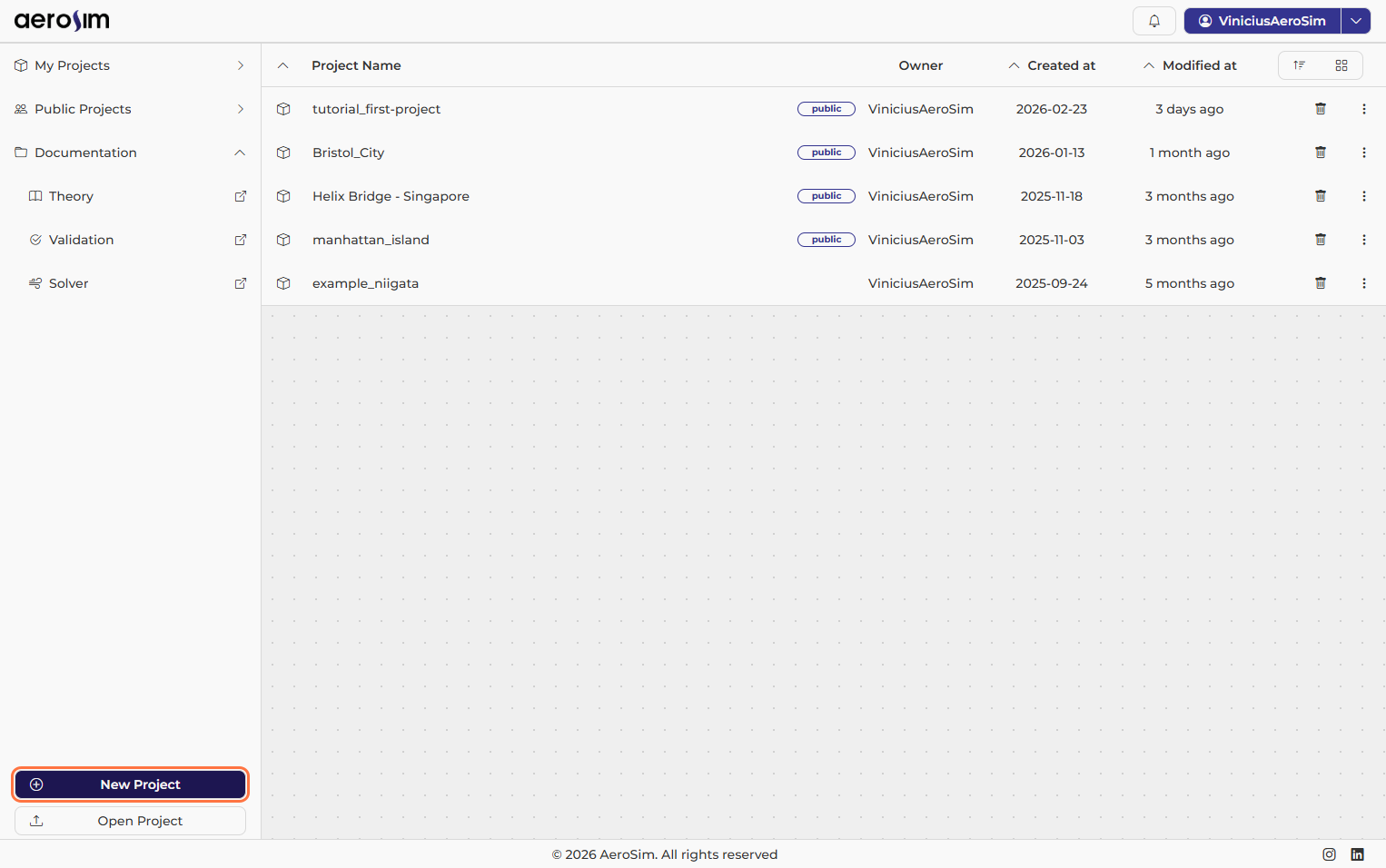
New Project button.
Enter a name for your project.
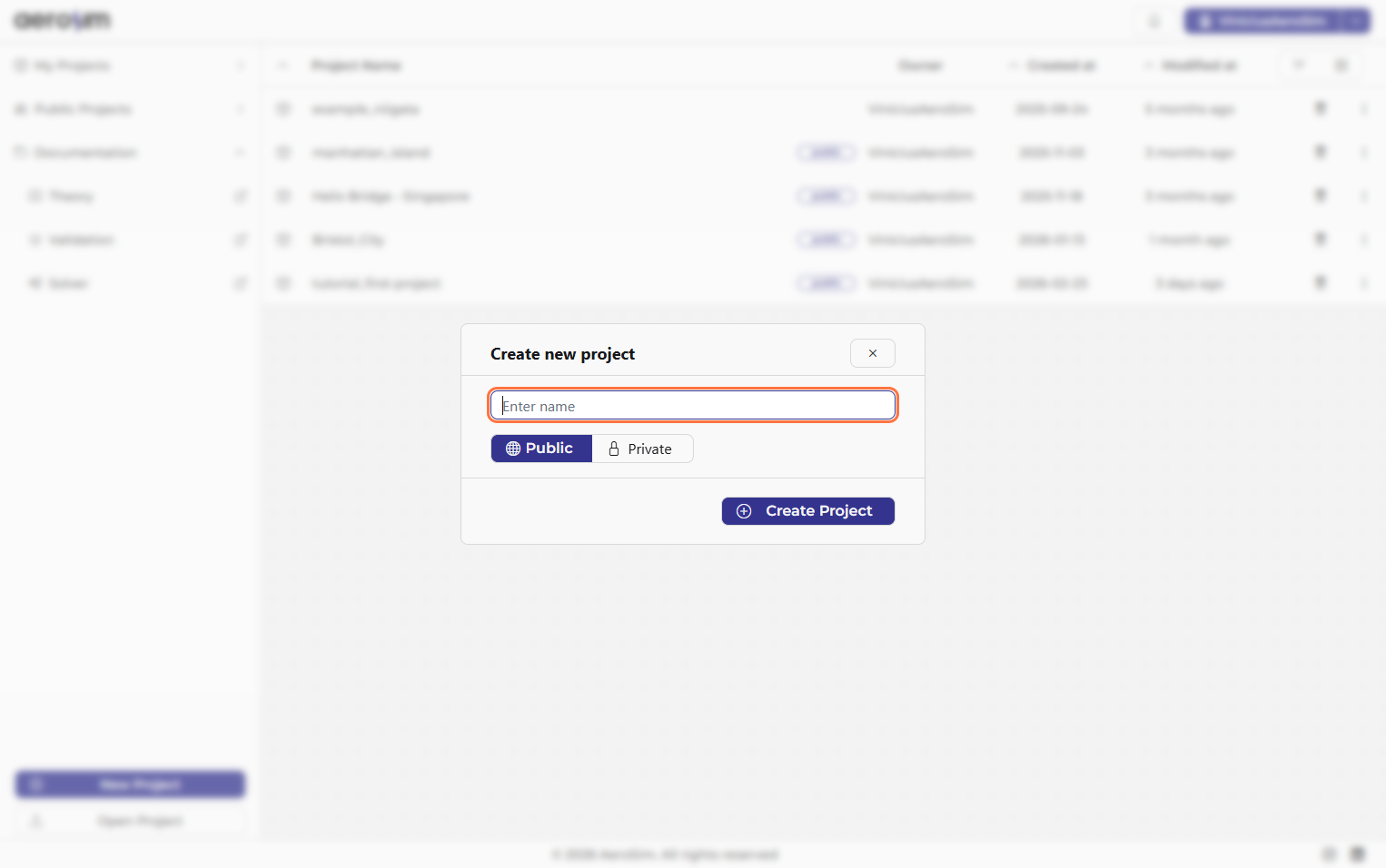
Project name window.
Choose whether the project is Public or Private. For this tutorial, Public is fine. You will be redirected to the project page.
Note
Private projects are only available on paid plans.
Next steps
Now you are ready to configure your first simulation.