 AeroSim Docs
Project
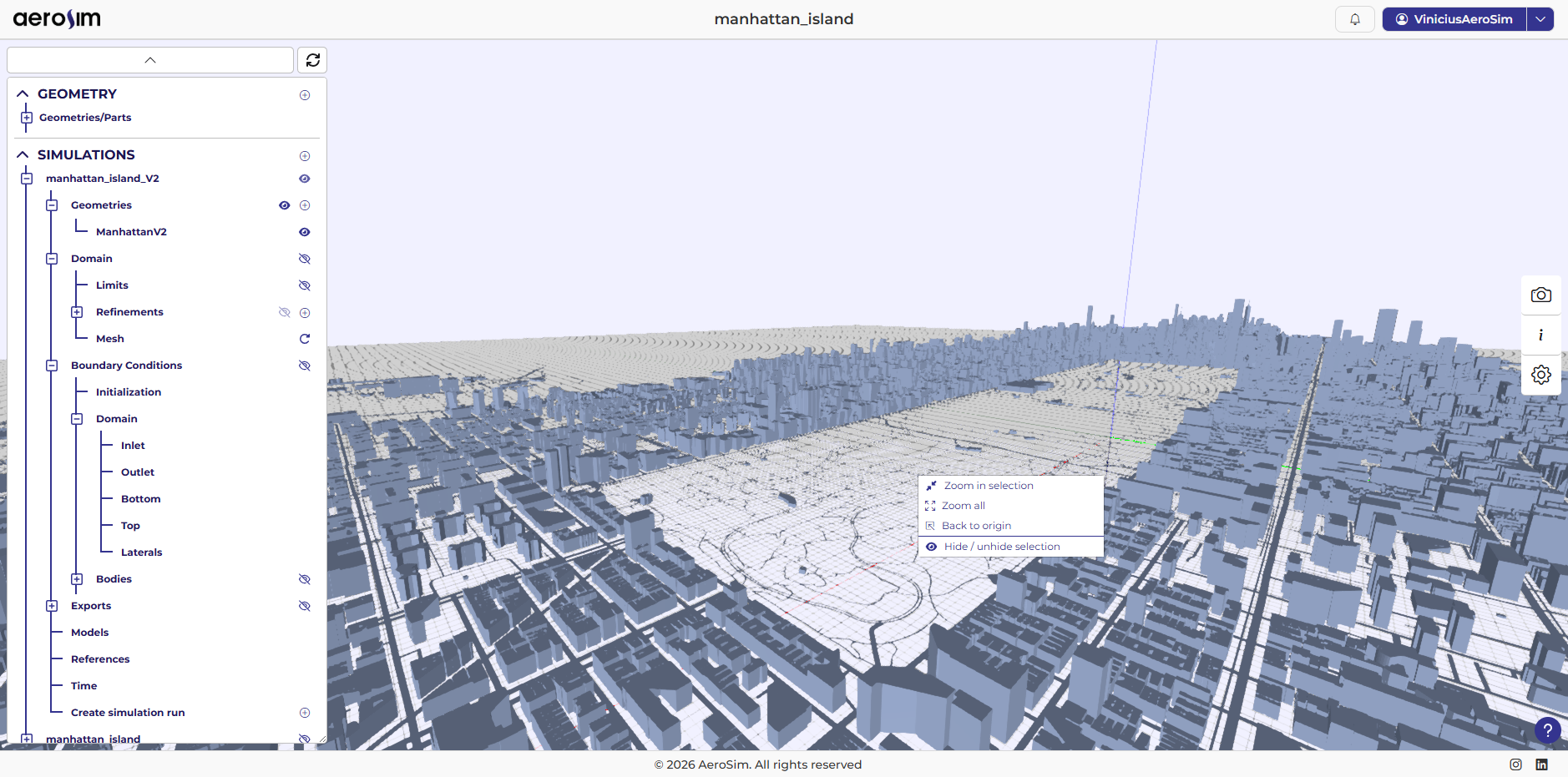
The project page is where the user can create simulations, run simulations and visualize results.
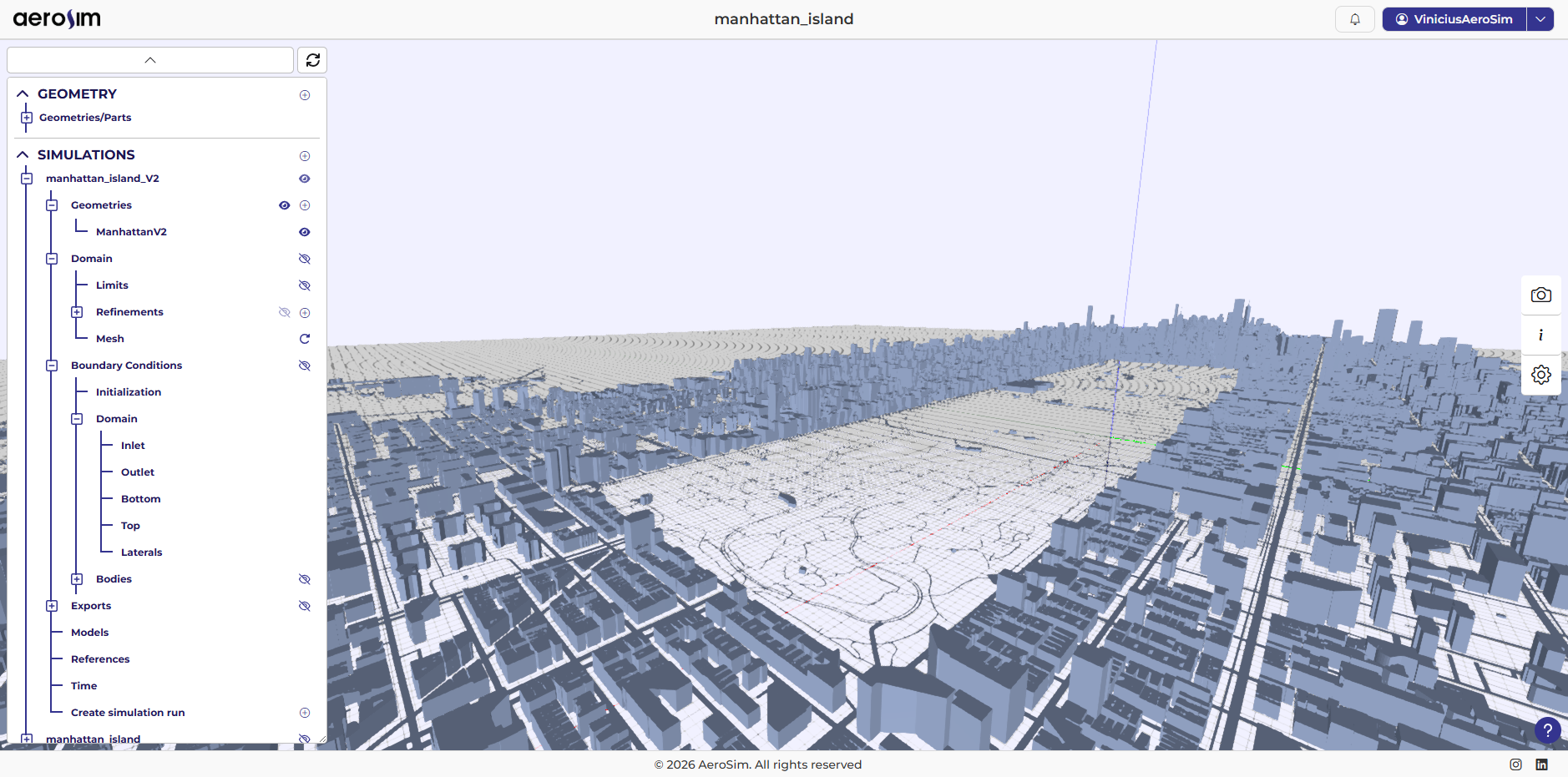
Tree
The tree is where you visualize the existing geometries in a project, the simulations, and the runs.
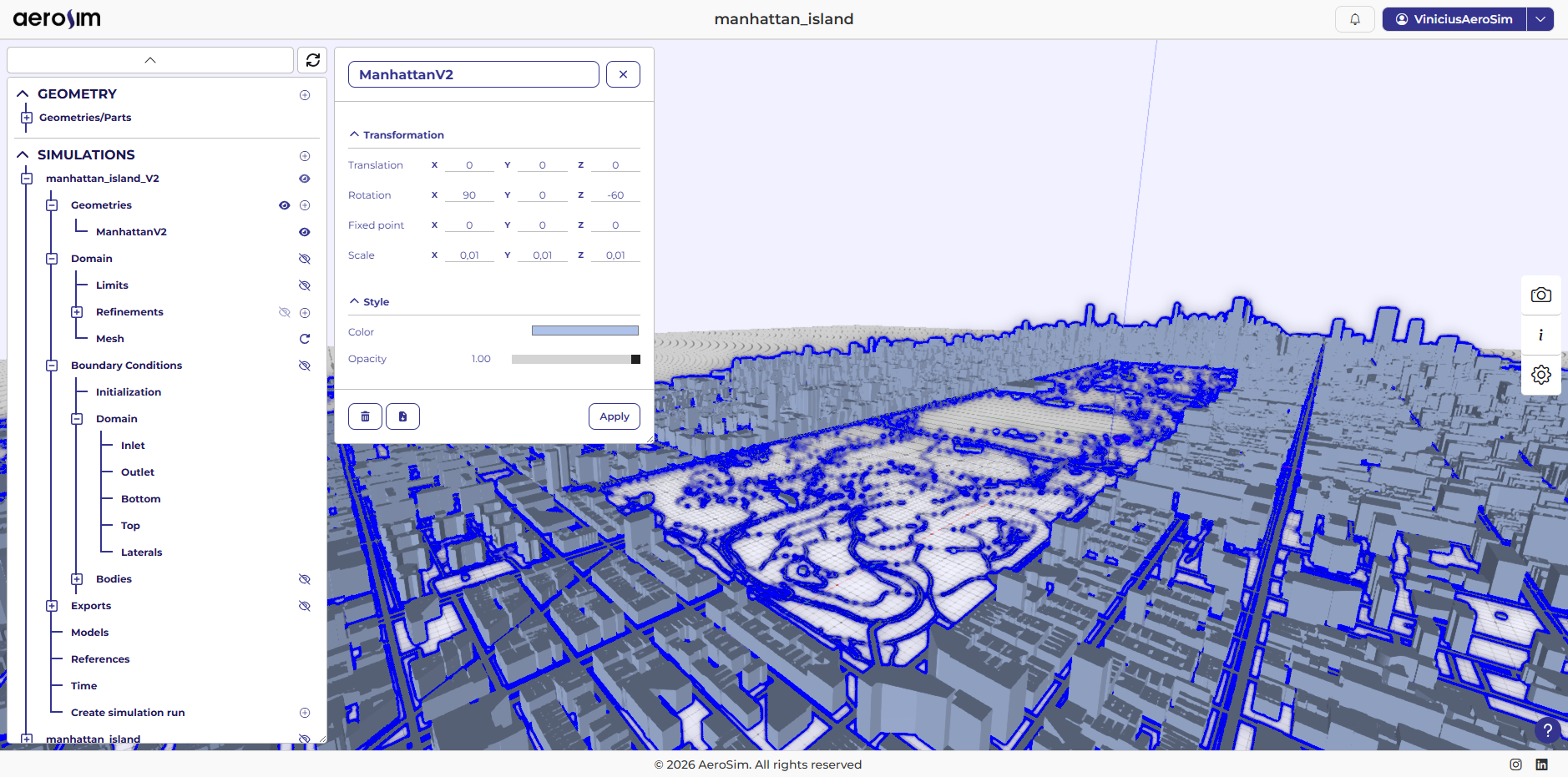
Contextual Window
The context window is where you will manipulate and configure your simulation data, as well as view run results and other parameters.
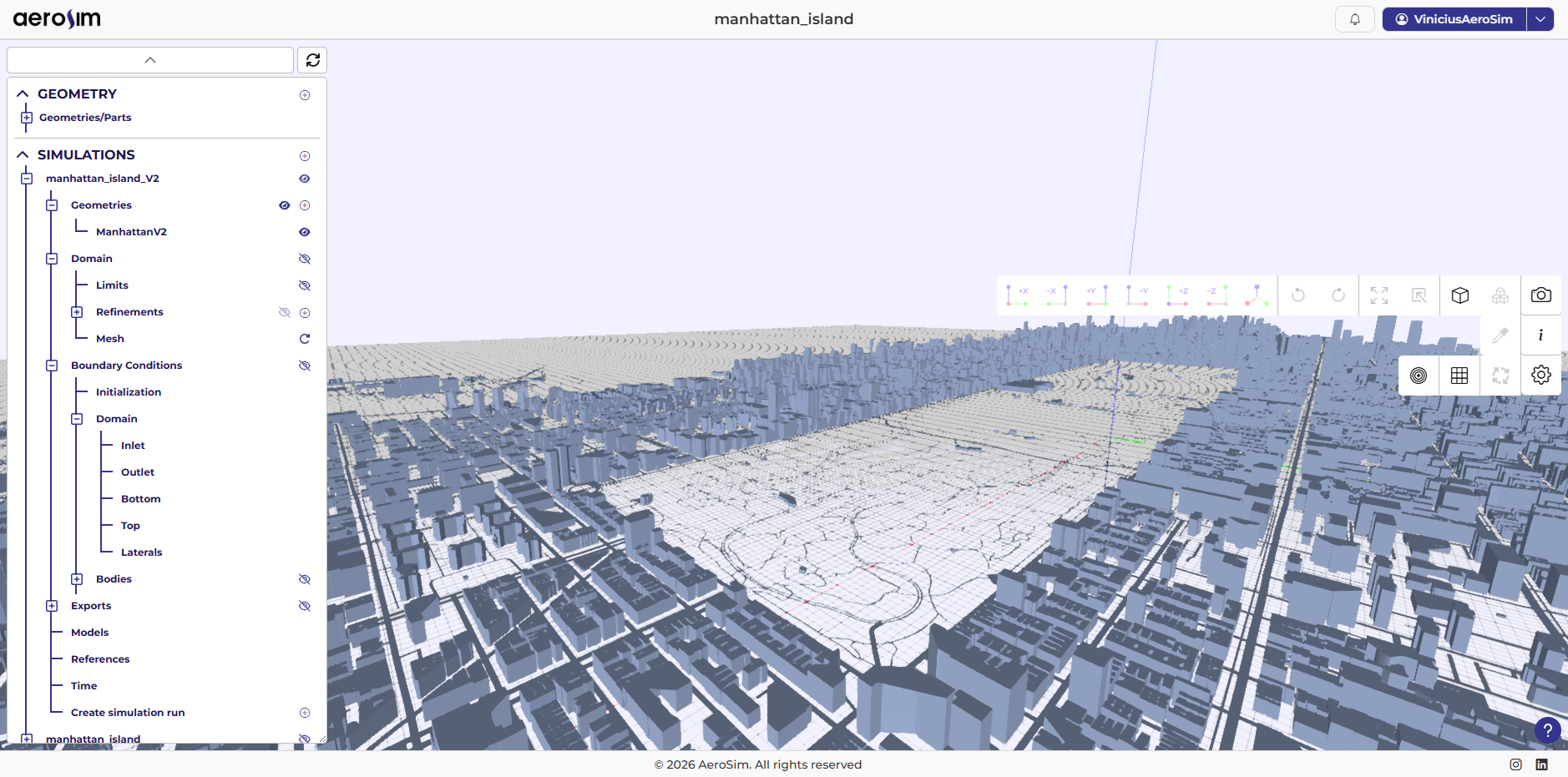
Toolbar
The toolbar is where you’ll find most of the features for interacting with the scene, such as camera functions, information, visual debugging, and so on.
Contextual dialog box
The contextual dialog box allows you to interact primarily with selected objects, but it also provides other convenient functionalities.
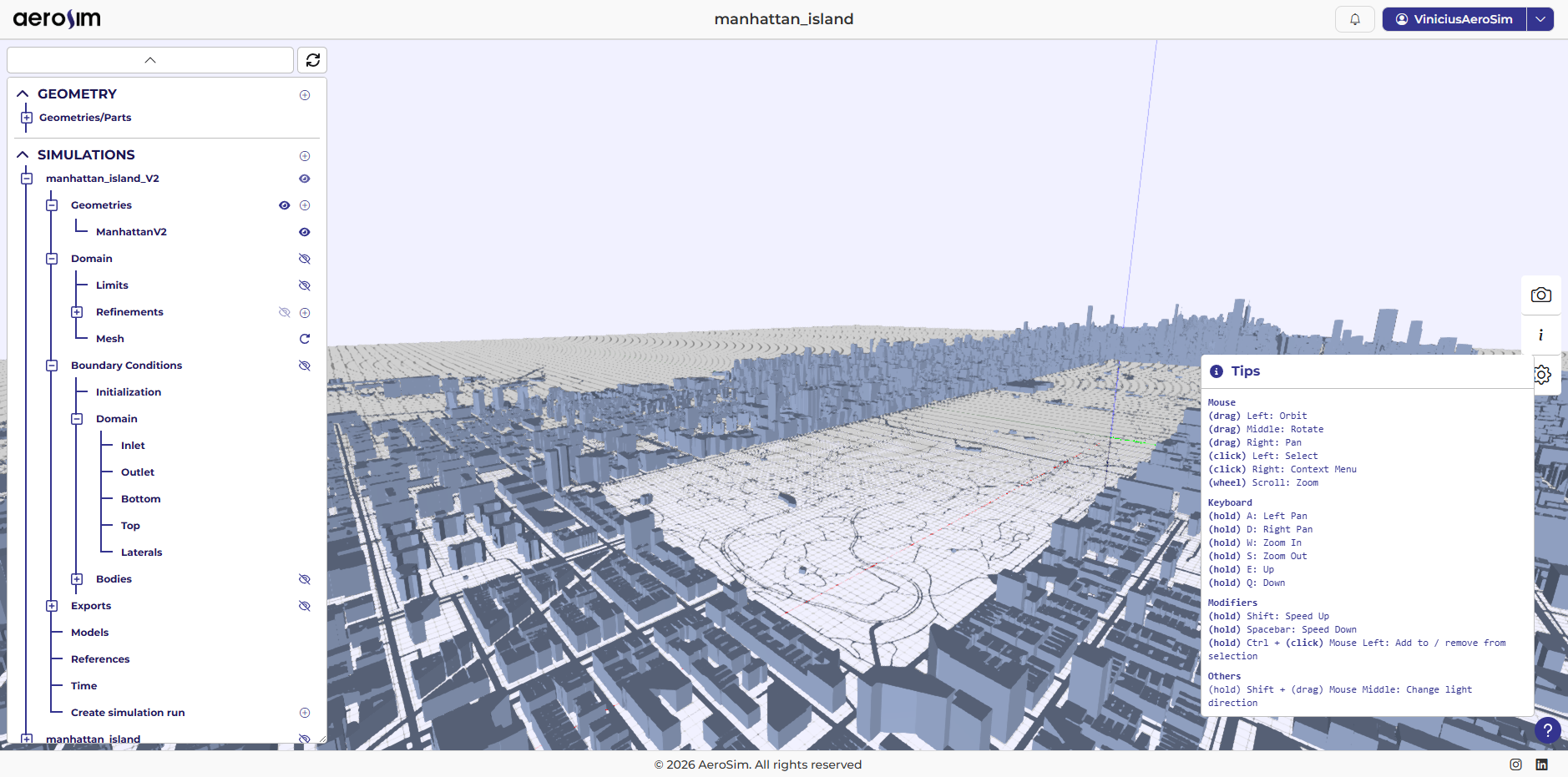
Informations and Tips
Additional information can be found in the tips window.